Why Tableau? Who needs Tableau?

Tableau is a visual analytics platform that empowers users to solve problems and maximize the impact of their data. In a fast‑moving landscape shaped by constant advances in AI and technology, picking up a new tool can understandably feel like a lot to take in.
Life without Tableau

When we come across a huge amount of data in a theory, it makes us feel confused, tired, and uncertain of the outcomes. In this case, what else can make our everyday life easy to read data at a glance?
After Tableau

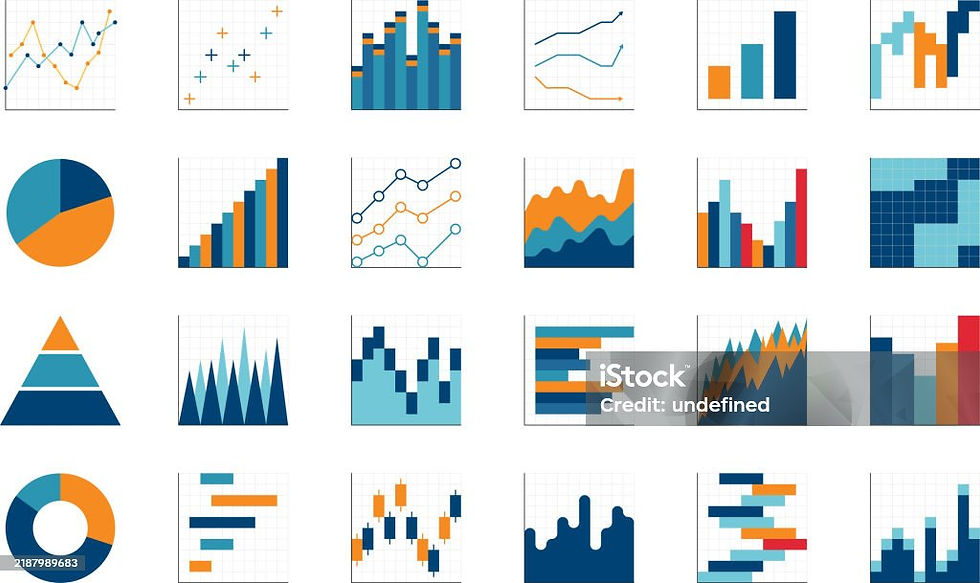
Here is where Tableau comes into the picture. Tableau makes Images and charts, which play a huge role in making data understandable. They turn raw numbers into something the human brain can actually see, interpret, and remember.
Questions might be raised by the time you read this.
But how does Tableau work?
Is it complex?
Is it easy?
I don't know coding
I never done anything in IT?
I'm not good at Math and Arts (Drawing images)
Answers to all the questions are that Tableau is simple and easy to learn. Anyone can learn Tableau without prior knowledge of any coding or IT background.
“Actually, Tableau creates a beautiful masterpiece of art for your huge data.”
Are you excited? Let's dive into Tableau.
Installation --> Insight

Tableau has a free public version for anyone to learn, explore, build a dashboard, create a visualization for the data, and share it with anyone, whereas Tableau Professional is available with a free trial and with fees. But for our learning, Tableau Public is more than enough to get abundant knowledge about it.
Wait! What is visualization? What is a Dashboard? Those are new to me!!
Visualization, as the word says, helps anyone visually get an idea of how data is being distributed across the condition.
Dashboard is nothing but the place where you will be pulling all your required visualizations to present them to anyone. Save the dashboard and share it with anyone you want your data to be shared with. Anyone can understand your data, even a 8 Year-old!!
But what does it look like? Any examples?
These are a few dashboards with their visualization created a huge chunk of data, derived from different conditions and scenarios


Overall, if you are struggling to read the data and give a colorful life to your data, you are at the right place to start. Install Tableau and start exploring!!