SQL Data Types Going Beyond the Basics: A Clear Guide for Beginners - Part II

In this blog, we explore advanced types like XML, ROW types, User-Defined Types, and Collection Types. These help you store complex data, build reusable structures, and model real-world relationships more clearly. Let’s break them down in a beginner-friendly way.
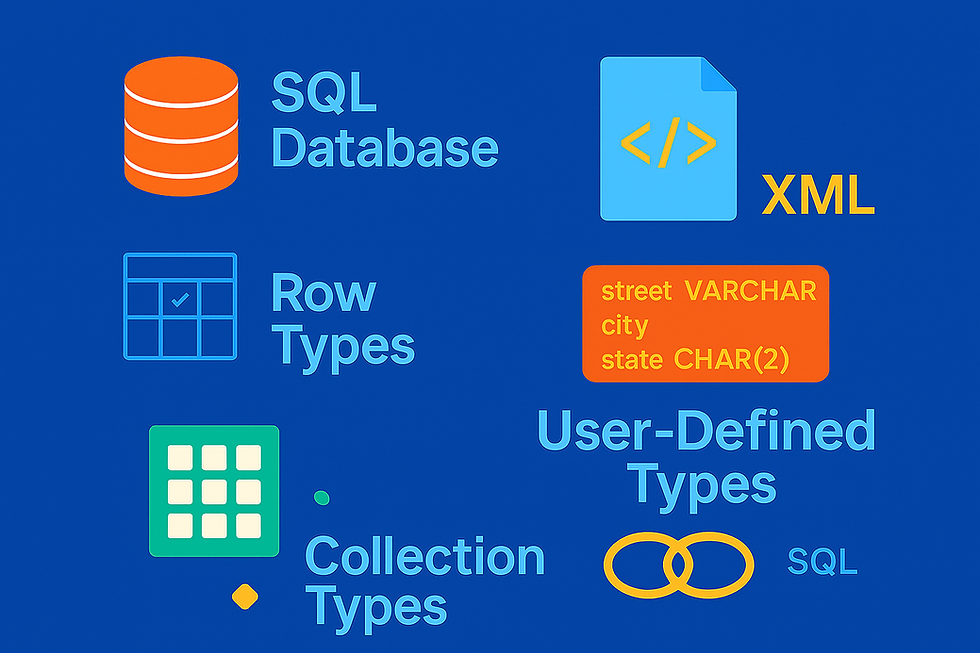
Image generated by AI
Other Notable Types
XML
The SQL standard introduced the XML data type so databases can store and work with real XML instead of treating it as plain text. This means you can save XML, query it, and even validate it, all inside SQL. Over time, the standard added more structure, and today XML values fall into three levels. The simplest form is XML(SEQUENCE), which can be any list of XML nodes. A more structured form is XML(CONTENT), which is basically a valid XML fragment wrapped inside a document node. The most complete form is XML(DOCUMENT), which must be a fully well‑formed XML document. These three forms build on each other: every document is also content, and every content is also a sequence.
XML data can also be stored with or without rules, depending on whether it uses an XML schema. SQL allows three options: untyped (no schema), XMLSCHEMA (a schema is required), and ANY (a schema may or may not be present). For example, an XML value defined as XML(DOCUMENT(ANY) might follow a schema or might not. If you simply declare a column as XML without any extra details, the database chooses the default form—usually XML(sequence) or XML(content), depending on the system.
MyData XML In simple,
SQL supports XML so you can store structured data.
XML has three levels: Sequence, Content, Document.
XML can be typed (with schema) or untyped.
If you don’t specify details, the database chooses the default XML form.
ROW
The ROW in SQL is used when you want to group several values together as one unit, almost like creating a small record inside a table. Instead of storing just one value, a ROW can hold multiple fields, each with its own data type. This makes it easy to keep related information together. For example, a ROW could store a person’s first name, last name, and age as one combined value instead of three separate pieces. You can even nest ROWs inside each other if you need more structure. It’s basically SQL’s way of letting you bundle related data into one organized package.
SELECT ROW('John', 'Doe', 30) AS person_info;COLLECTION TYPES
Collection types in SQL let you store more than one value inside a single column. Instead of holding just one number or one string, a column can hold a list or a set of values. SQL introduced these to handle more complex, real‑world data.
There are two main collection types:
ARRAY
An ordered list of values (like a list in programming). Example: a column that stores several phone numbers in order.
CREATE TABLE sal_emp (
    pay_by_quarter integer ARRAY, -- Unspecified length
    pay_by_month   integer ARRAY[12] -- Length hint (often ignored)
);
MULTISET
An unordered collection where duplicates are allowed (like a bag of values). Example: a column that stores all tags a user added, even if some repeat.These types break the old relational rule that a column should contain only one value, but they make SQL more flexible for modern applications.
In simple terms, collection types let you store multiple related values together inside one column, instead of creating extra tables just to hold lists.
CREATE TABLE table_name (
    column_name MULTISET(element_type NOT NULL),
    -- other columns
);
REF
The REF in SQL is used to store a reference, or pointer, to a row in another table. Instead of copying data or repeating values, a REF simply points to an existing row, similar to how a hyperlink points to another page. This makes it possible to connect objects in an object‑relational database without using traditional foreign keys.
A REF value always refers to a row of a specific structured type, so the database knows exactly what kind of row it is pointing to. In practice, this lets SQL behave a bit like object‑oriented systems, where one object can directly reference another. It’s a lightweight way to link related data without duplicating information.
CREATE TYPE PersonType AS (
    name VARCHAR(50),
    age  INT
);
CREATE TABLE People OF PersonType;
CREATE TABLE Orders (
    order_id INT,
    customer REF(PersonType)
);
In this example, the customer column doesn’t store the person’s details directly. It simply stores a REF that points to a row in the People table — like a pointer or link.
USER DEFINED TYPES
User‑defined types (UDTs) let you create your own custom data types in SQL. Instead of using only the built‑in types like INTEGER or VARCHAR, you can design a type that groups several related values together. This helps you avoid repeating the same set of columns everywhere. For example, if you need to store an address in many tables, you can create one type that contains street, city, state, and zip, and then reuse it. Once created, your custom type works just like any other data type in SQL, making your tables cleaner and easier to understand.
CREATE TYPE AddressType AS (
    street VARCHAR(100),
    city   VARCHAR(50),
    state  CHAR(2),
    zip    VARCHAR(10)
);
CREATE TABLE Customers (
    id INT,
    address AddressType
);
This way, address becomes one column that neatly holds all address details together.
Conclusion
As a beginner, don’t worry about memorizing everything at once. Just focus on understanding the purpose behind each type — what kind of data it holds and why it matters. With practice, you’ll start picking the right types naturally, and your SQL skills will grow stronger with every query. Keep exploring, keep experimenting — and let your data tell its story, one type at a time.
Happy Reading :)


