Python Programming: Fundamental Concepts

Python - Introduction:
Python was developed by Guido Van Rossum in 1989 and released in 1991. The name was taken from the popular BBC comedy show of that time, “Monty Python’s Flying Circus”.
Python is user-friendly, which means everyone can easily understand it. It’s a general-purpose programming language. Using Python, we can develop all kinds of applications, including web, mobile, and desktop applications.
Python is an open-source language that is easy to download and we can start working. It is free to use. Another important feature being it's platform-independent like Java. We can write a Python program in one environment and run it in another environment. (Windows, Mac, Linux OS) . It is also an object-oriented programming Language, and supports large standard libraries, making it suitable for various applications like web development, data analysis, machine learning, and automation.
Installing Python on Windows:
In Google, search for Python download. It will take you to the Official website of Python.
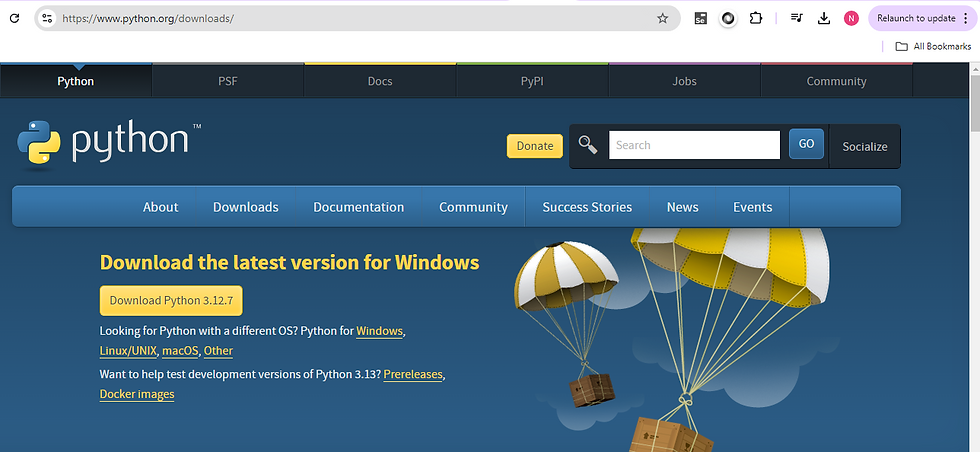
2. Click the link, go to the Downloads section. Select the latest version of Python
3. Software will be downloaded, and once you get the .exe file, start installing by double-clicking on that.
4. Install Python screen will appear, and choose Install Now and check the 2 boxes, and click on Next.
5. After that, you will be getting the Setup screen was successful.
To check if Python is installed, go to the cmd prompt, type python and press Enter. It will show you the current version.

We can write Python programs in Python IDE or Notepad.
Let’s know what an IDE is:
An integrated development environment (IDE) is a software application that helps programmers develop software code efficiently. It increases developer productivity by combining capabilities such as software editing, building, testing, and packaging in an easy-to-use application.
PyCharm is a popular editor for writing Python programs. By default, Python IDLE is used. For that search IDLE in cmd prompt, it will open the IDLE window. In this, we can directly write the Python code. It is also called Python shell.
The Python file should be saved as .py
How to download PyCharm IDE:
In Google, search for download PyCharm for Python
Click on the first link from jetbrains.com
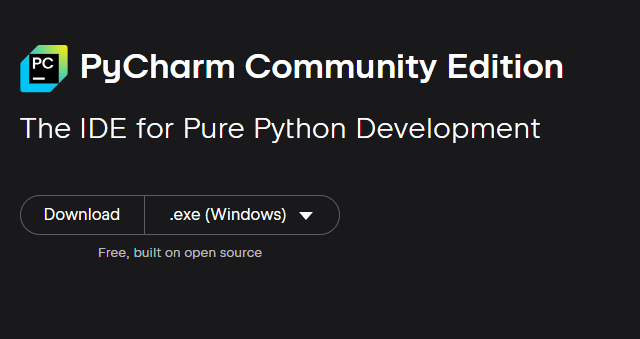
Click on Windows and select PyCharm Community Edition to download
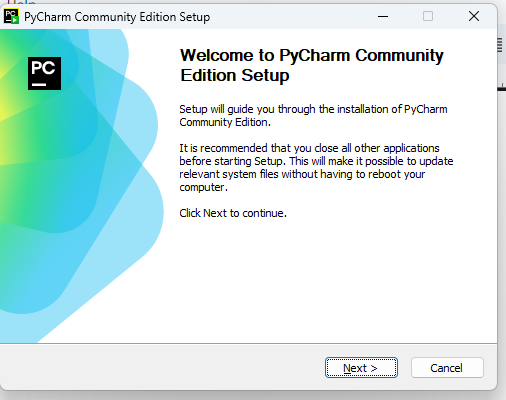
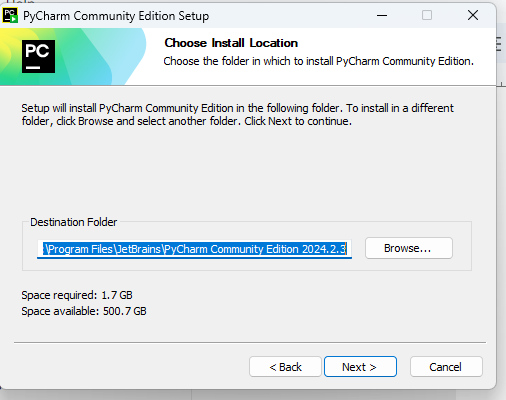
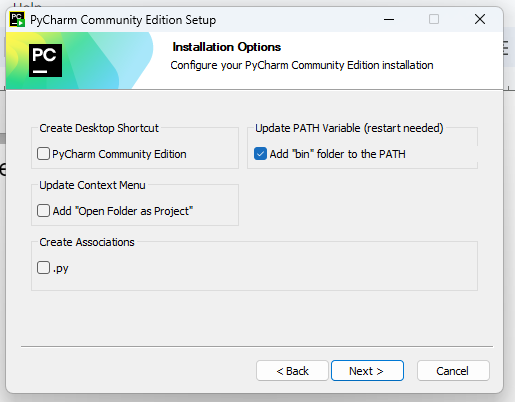
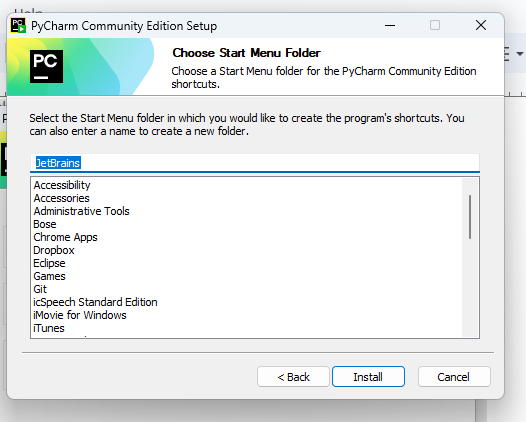
Click on Install..
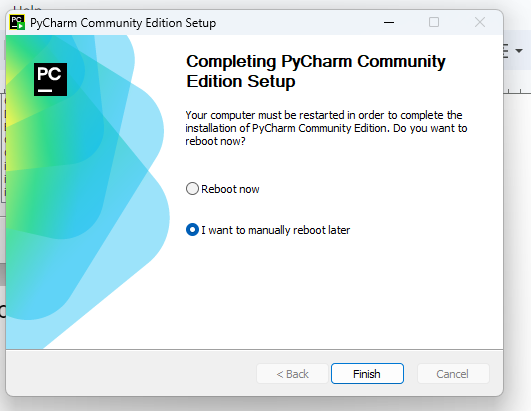
In this window, select the Reboot now option and
Click on finish.
After installation, search for PyCharm in the search box and open the app.
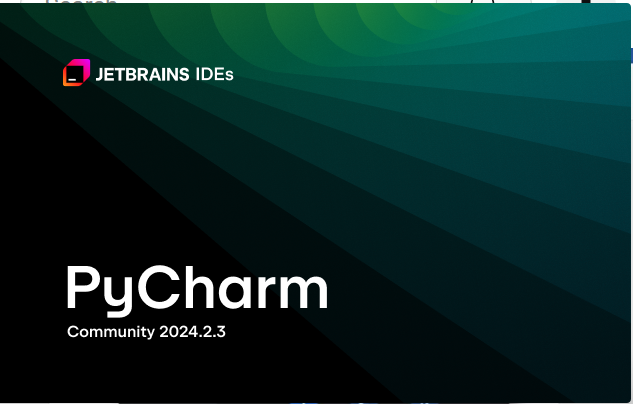
Click the check box to agree
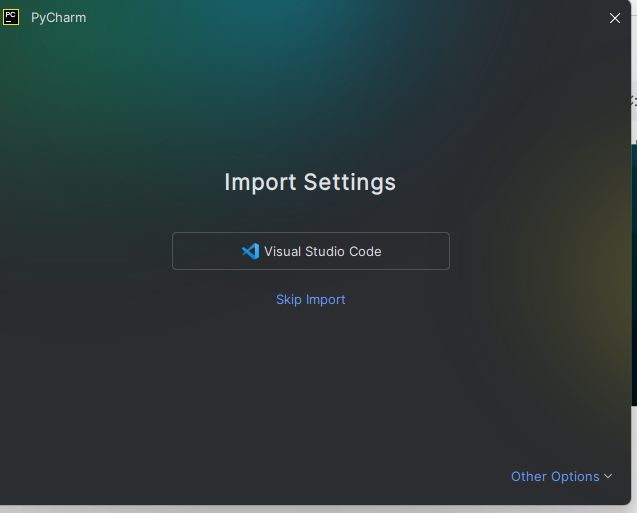
Here, choose Skip Import
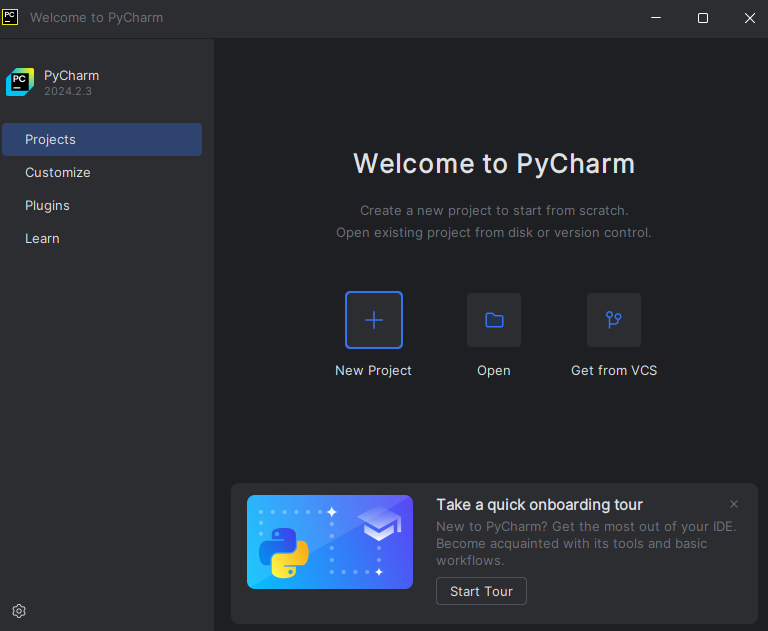
By default, this will show you the dark theme. We can change this by:
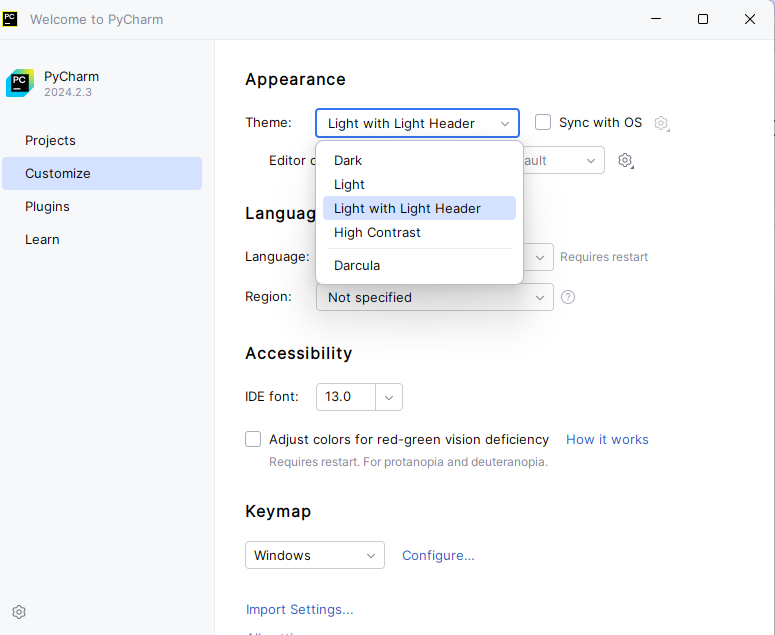
We can also change the IDE font size accordingly.
Then, go to Projects.
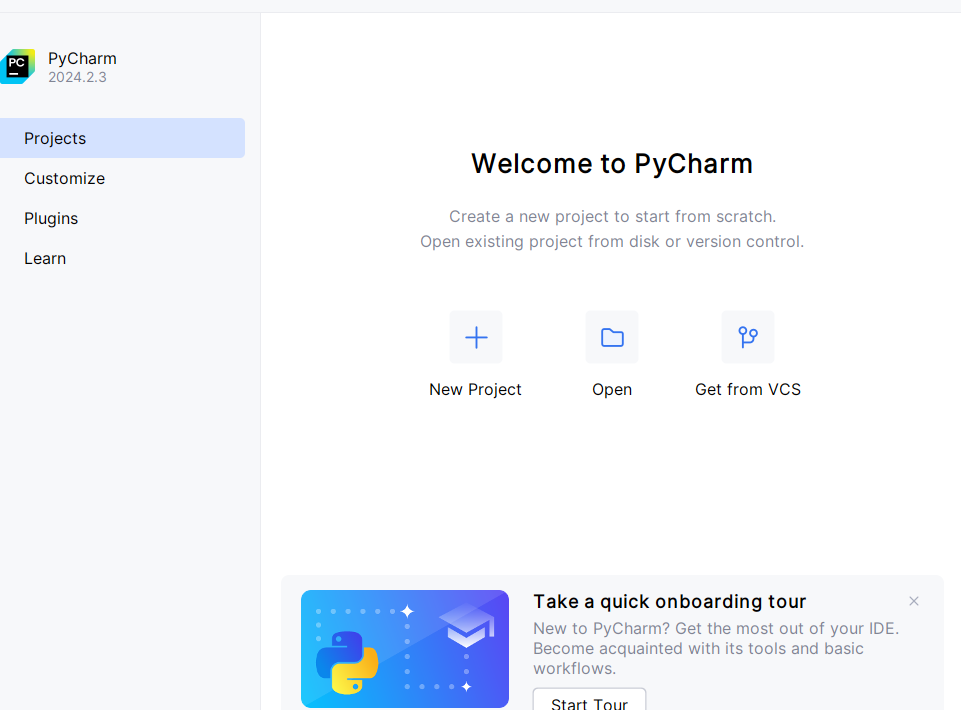
Click on New Project.
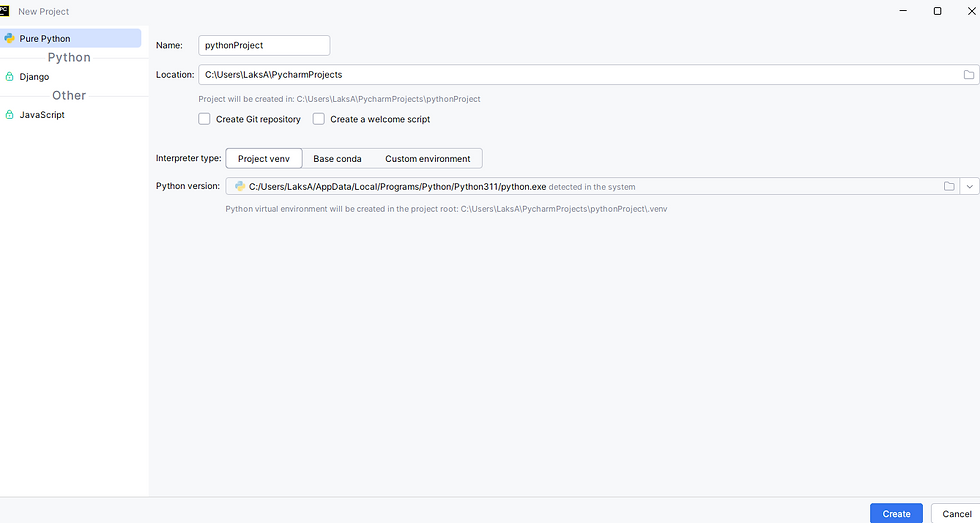
Once you click Create, new project window will appear.
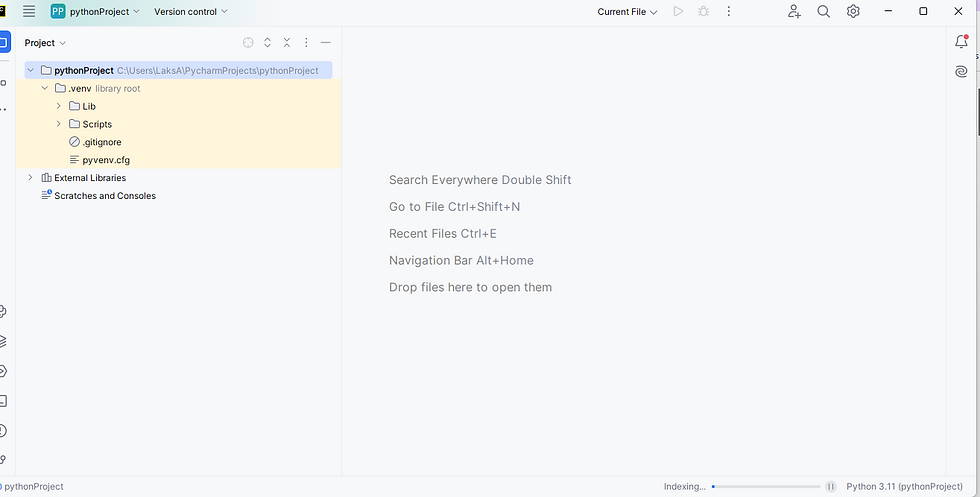
Your First Python Program:
Open the editor and type print("Hello, world!"), You can save as filename.py extension and run as python hello.py
Variables:
● A variable is nothing but a reserved memory location
to store values.
● Variables are used to store the data.
Data Types:
Text type: str
Numeric types: int, float
Sequence types: list, tuple
Mapping type: dict
Set types: set
Boolean type: bool
For Example:
# Variables
name = "Alice" # String
age = 25 # Integer
height = 5.4 # Float
is_student = True # Boolean
print(type(name))
print(type(age))
print(type(height))
print(type(is_student))
This will print all the values of the variables.
Control Flow:
In Python, control flow statements determine the order in which instructions are executed. They help you make decisions and repeat code. The main types are:
1. Conditional Statements (if, elif, else)
Used to execute code only if a condition is true.
For example, when we write,
age = 20
if age >= 18:
print("You are an adult.")
elif age > 12:
print("You are a teenager.")
else:
print("You are a child.")
The output of this code is : You are an adult.
2. Looping Statements
a) for loop
Used to iterate over a sequence (like a list, tuple, or string).
It can be written as
for i in range(5):
print(i)
Output :
0
1
2
3
4
b) while loop
Repeats as long as the condition is true.
count = 0
while count < 5:
print(count)
count += 1
3. Loop Control Statements
Used to alter loop execution:
break: Exits the loop entirely
continue: Skips the current iteration and moves to the next
pass: Placeholder; does nothing
for i in range(5):
if i == 3:
break # stops the loop when i is 3
print(i)
for i in range(5):
if i == 3:
continue # skips the rest of the loop when i is 3
print(i)
# is used for commenting. You can also use Ctrl + / also to comment. To remove the comment, select the text and press Ctrl + /. To comment for a block of statements, use three double quotes at the beginning and end with three double quotes at the end, and the other way is use three single quotes at the beginning and three single quotes at the end.
Functions in Python:
In Python, functions are reusable blocks of code that perform a specific task. They help keep code organized and readable and avoid repetition. We can define a function using
def greet():
print("Hello!")
Calling a Function:
You run (or "call") the function by using its name followed by parentheses:
Use
greet() # Output: Hello!
Function with Parameters
You can pass data into a function using parameters:
def greet(name):
print("Hello,", name)
greet("Alice") # Output: Hello, Alice
Advantages of Python:
It's very easy to learn and has extensive libraries and frameworks.
It is a versatile language and is used in Data Science, Machine Learning, Web Development, and Automation.
Portability and cross-platform compatibility are the features that help in the development process.
Open-source tool and free to use.
Conclusion:
Understanding the fundamental concepts of Python, such as variables, data types, control flow, loops, and functions, lays a strong foundation for your programming journey. These core building blocks empower you to write clear, logical, and efficient code.


