How to push postman API test codes in GitHub
This is the API that i tried to push to GitHub , Simple Book API

Click to the 3 dots next to your collection name and click view more actions and click export . Then a window will open like the below picture

Click Export and your json file will be saved to your postman folder
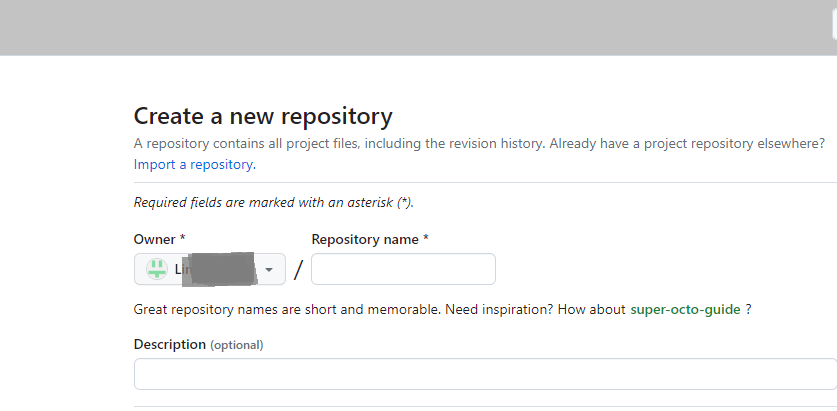
After that create a repo in your Github
Open git bash from your postman folder where you save your json file
Then type git init as your first command to initialize empty git repository

if you want add README file also , but you need to add this file manually to you postman folder first , then add this through Gitbash and then into GitHub

And then move on to commit your json file to github
Run command git commit -m "First Commit"

Then change your branch to main

Then Run the command "git remote add origin and https://yourgithuburl
If you add / update manually something on your github you can also force push(This is not recommended)
Refresh your github , then you will see your postman codes in github under your main branch